Who it's for
For people who can't stop working - and those who can't start
Who see what it's costing. Who are done negotiating with themselves.
Block websites and apps on a weekly schedule you can't negotiate out of.
Hover to see if this is you
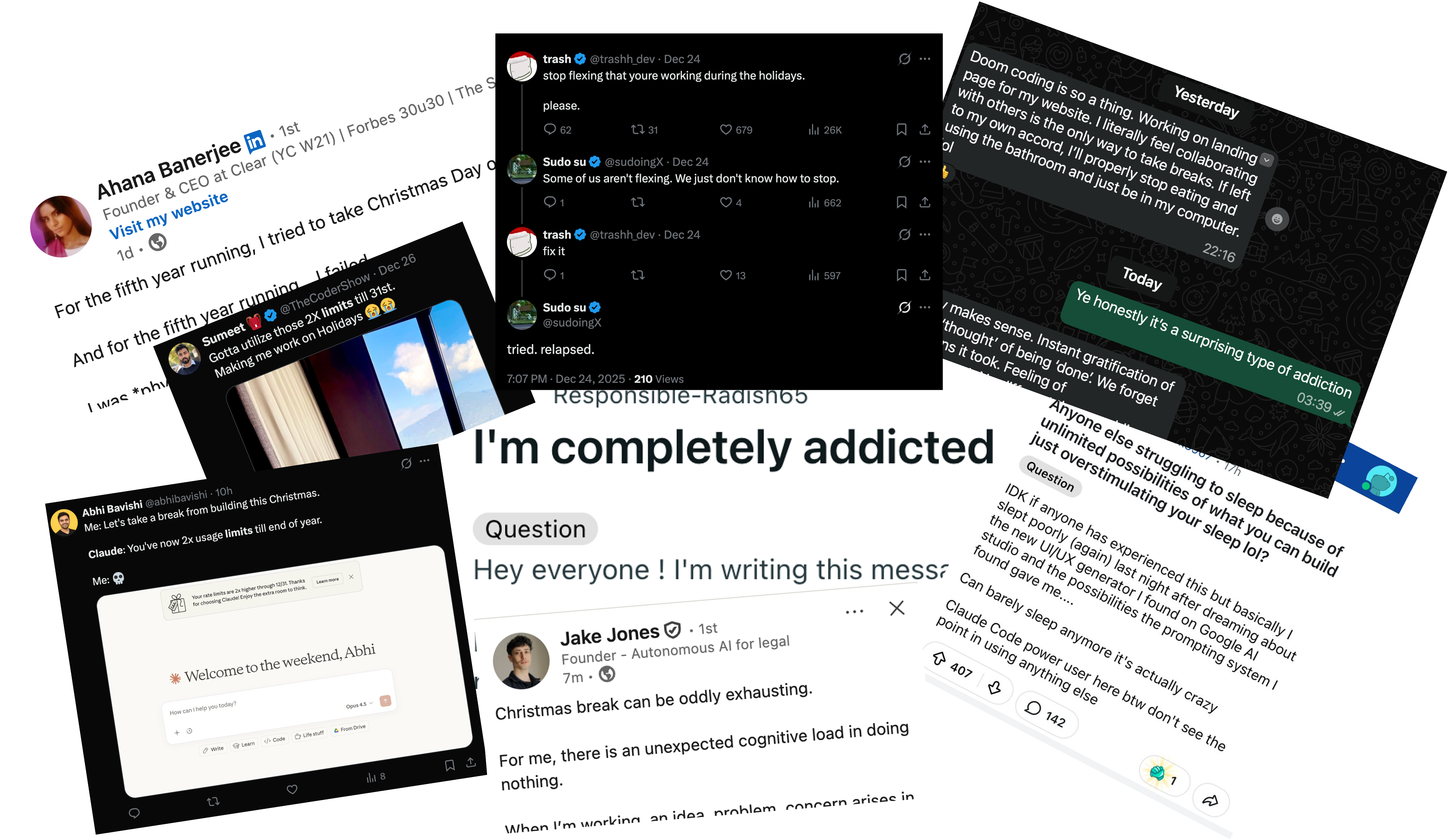
You're not distracted. You're obsessed. That's the problem. Sunday morning you're "just checking one thing." By evening you're wondering where the day went.
You know the cost. Conversations where you're not really there. Friends you keep rescheduling. Relationships, hobbies, health - all quietly withering while you chase the next big idea.
You've tried to set boundaries. They didn't hold. Fence is different. Set your schedule for the week and commit. When it's time to stop, you don't get a say. The version of you that set the rules wins.
Hover to see if this is you
Same story every day. Morning of good intentions. Afternoon lost to YouTube, TikTok, whatever pulls you in. Finally locking in when the deadline creeps close enough to trigger the panic.
Relying on deadlines for dopamine works - when the deadline's real. Soft deadlines you set for yourself don't cut it, and you know it. Gym skipped, plans cancelled, another late night.
Fence makes deadlines real and blocks the escape routes. Set your schedule for the week and commit. When 7pm means work disappears, your brain believes it. You lock in on time.
Sunday night, set your schedule for the week. Which apps. Which sites. Which hours. Then Fence holds the line.
Group apps and websites into bundles.
Define your week. Choose when you want to access each bundle.
Enter your Mac password and commit your schedule. Enjoy - boundaries that hold themselves.
You get 5 emergency unlocks. Lifetime.
Who see what it's costing. Who are done negotiating with themselves.
Once. Forever. Yours.
🎓 Students: $9.99 with valid student email
2 weeks free. No credit card required.
Already tried it? Ready to buy:

Hey, I'm Vish - a PhD student at Imperial.
My problem? I kept setting boundaries I couldn't stick to: stop working at half 6, stay off social media, take Sundays off. Eventually I noticed the toll.
So I tried every app blocker I could find, but they were all too easy to undo. They let Tuesday-me undo what Sunday-me set. Delete the block. Delete the app. The moment I wanted to negotiate, I could.
So I built Fence. Set it at your best. Let it hold you accountable at your worst.
Can't I just delete the app? Nope. Won't work.
What about rebooting? Also won't work.
Changing my timezone? Blocked.
What if I open System Settings, search for Open at Login, disable Fence under "Allow in the Background", and delete the app? And if it says app is in use, I'll use Activity Monitor to stop it and try again? (Please don't do this.) Nope.
These are the jailbreaks most people think of first. All patched. Fence is explicitly designed to have no escape routes - that's the entire point.
Yes, if you're comfortable in Terminal and know exactly where to look, there are backend commands that can undo a block. The frontend is designed to be absolute - the backend escape exists, but the onus is on you not to go there.
Unfortunately, to build this tool I was forced to learn how to disable it. My workaround: I block access to Terminal (and any apps that give me terminal access) outside of work hours. This way I'm protected from myself.
Since this is open source, you could technically make the lock harder to undo. But we're already at the point of no return - going further ventures into the territory of creating a virus and becomes fragile to macOS updates.
I'd recommend my approach of blocking the terminal rather than trying to harden the lock further and end up doing something genuinely risky.
That's what your 5 emergency unlocks are for.
"But what if [insert unlikely emergency that's never actually happened] AND I'm out of unlocks?" This is the fear every blocker bends to. That's why they don't work.
The chance of a true emergency is maybe 1%. The chance of you using the escape hatch "just this once"? 100%. Play the odds.
No. That's the point.
You can commit anytime during the week - doesn't have to be Sunday. But once you commit, you're locked in until Sunday.
If you need flexibility, build it into your schedule upfront. The goal is to think intentionally about your week before you're in the moment trying to negotiate.
Yes - you can add apps and websites to your bundles anytime, even after you commit. But block times are locked. No changing when blocks start or end.
Fence is for setting boundaries on anything that's addictive. For me that's work. For others it might be Netflix, social media, or games. Whatever it is, set a bundle and define when you're allowed to access it. Commit once, stick to your schedule for the week.
Screen Time and most other blockers are easy to disable if you know where to look. Fence patches the common jailbreaks: deleting the app, rebooting, changing timezone (and a few more exotic ones).
For some of us, "pretty hard to undo" is exactly what we need. If Screen Time works for you, great. Fence is for people who need something stricter.
Also - look at Cold Turkey, then look at Fence, then look back at Cold Turkey. Tell me which one you'd rather use. This is designed by someone with zero tolerance for poor UI & UX.
Travelling? Manually offset your blocks for those days, e.g. if you're travelling to New York which is 5 hours behind and you want a block to start at 9am, set it in the app to start at 2pm. Fence locks your blocks to UTC time the moment you commit. Only way to prevent myself from getting out of a block by changing the system timezone. (Sorry.)
Just your Mac password at commit time. That's it.
No accessibility permissions. No screen recording. No data collection. The only thing I store is your email when you buy a license.
No - Fence can't block websites properly through a VPN (I don't know if it's even possible to do this). If you use a partial VPN (like Cisco AnyConnect) for work or university, disconnect it while Fence is running. These apps tend to save your networking state when they connect and restore it when they disconnect - so if you turn them on while Fence is running and turn them off after, your block will "mysteriously" come back. (credit)
Firefox's "DNS over HTTPS" feature can break blocks. Go to Firefox → Preferences → Network Settings → uncheck "Enable DNS over HTTPS", then restart Firefox.
This can sometimes happen. Try refreshing, clearing cache, or restarting your browser - this catches almost all edge cases. If you find one I haven't encountered, contact me and I'll help investigate :)
I use Fence daily. I'll keep it working as long as Macs exist.
Open the Fence app if it's not already open. It will appear in the menu bar at the top. Click on it, then click "Enter License Key".
Full refund anytime if it's not for you. Email me or reach out on after you buy and I'll refund you.
You're paying to skip the Xcode setup, support an indie builder, and never think about pulling the most recent changes - the app will update automatically.
If you want to fork it and run it yourself, you can. The code is here along with the setup steps.
Yes, for now. Windows is possible in the future but not currently on the roadmap.
The code is open source - if someone wants to port it, they can.